【WBC 2026】Official Resale for Paper Tickets Starts Feb 2nd! Tixplus Guide
The wait is finally over! The official WBC "Resale" platform has released new details.
You might have heard of resale options on Ticket Pia or e+ before, but this time, the service is specifically for "Paper Tickets" (Physical Tickets).
If you have extra tickets to sell or are still looking for one, read this guide carefully.
Official Announcement: 2026 WBC Resale (Tixplus)
Key Highlights
- Platform: Operated by Tixplus (Chikepura).
- Start Date: February 2, 2026 (Mon) at 12:00 PM (JST Scheduled).
- Price: Face Value Only. No markups, no bargaining. Strict trading at the original ticket price plus fees.
- Who is this for?:
- Sellers: People holding "Paper/Physical Tickets".
- Buyers: People wanting to buy tickets (will receive "Electronic Tickets").
- Required Account: Both parties need a Plus Member ID (Free).
- Required App:
- "Chikepura Electronic Ticket" App (チケプラ電子チケット).
- Buyers must use the app for entry.
For Sellers: Selling Your Paper Tickets
If your plans changed or you accidentally won duplicate paper tickets, this is the safe and legal way to let them go.
Selling Process
- Register Ticket:
- Log in to Tixplus with your Plus Member ID.
- Upload a photo of your paper ticket (proof of possession).
- Enter seat details.
- Wait for Match:
- You will be notified once a buyer purchases your ticket.
- Mail the Ticket:
- CRITICAL STEP! Once sold, you MUST mail the physical ticket to the Tixplus office.
- Funds are released only after the office verifies your ticket.
- Receive Payment:
- Ticket price minus fees will be transferred to your account.
Note: Since mailing is required, please keep your ticket safe. Do not lose or damage it, or it may be rejected.
For Buyers: Buying Official Resale Tickets
Lost all lotteries? Missed the general sale? This is your last legitimate chance! Since it's face value, you don't have to worry about scalper prices.
Buying Process
- Register Member:
- Sign up for a Plus Member ID.
- Download App:
- Download the "Chikepura Electronic Ticket" (Tixplus) App.
- Log in and complete SMS verification (Usually requires a Japanese mobile number—overseas fans beware!).
- Browse & Buy:
- Check for available tickets on the Tixplus WBC 2026 page.
- Select your preferred date/seat and pay immediately.
- Receive Ticket:
- Upon purchase, the ticket is delivered to your App.
- Show the QR code/screen on your phone to enter the stadium.
FAQ
Q1: How is this different from Ticket Pia or Lawson Ticket Resale?
A: Previous platforms mostly handled "Electronic Tickets" bought on their own sites. Tixplus is specifically handling "Printed Paper Tickets". If you picked up your ticket at a convenience store, this is your only official resale channel.
Q2: Is it expensive? What are the fees?
A: According to the latest official fee structure, it costs a bit more than the original price to ensure safety and authenticity.
【Fees for Sellers】
- Listing Fee: 10% of ticket price per ticket.
- Minimum fee: 550 JPY.
- Transfer Fee: 330 JPY per transaction.
- Mailing Fee: 600 JPY (Letter Pack Plus) to mail the ticket to the office.
【Fees for Buyers】
- System Usage Fee: 10% of ticket price per ticket.
- Minimum fee: 550 JPY.
- Ticketing Fee: 165 JPY per ticket.
Q3: Can overseas fans use this?
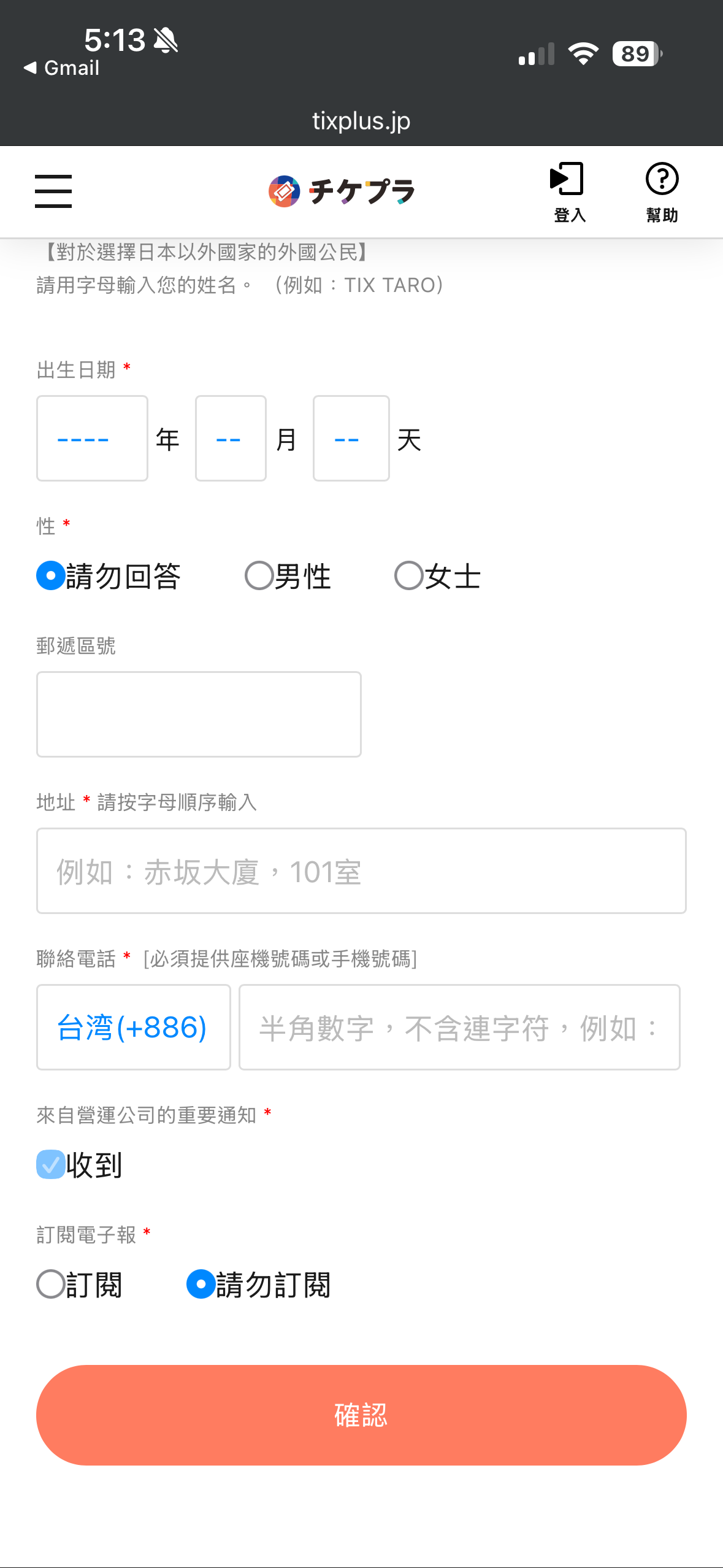
A: Great news! It has been confirmed that a Japanese mobile number is NOT required for overseas fans to use the Tixplus App. You should be able to register and participate in the resale without needing SMS verification from a Japanese carrier.
Q4: When does it start?
A: Officially announced to start on February 2, 2026 (Monday)! Recommended to download the app and register your ID now.
Conclusion
Good luck to everyone trying to sell their extras or find that dream seat! See you at Tokyo Dome!
Links: